 AntiChat

Download AntiChat.
Free, no account. One disk image; the models download inside the app.
AntiChat needs a Mac with Apple silicon (M1 or later). Intel Macs are not supported.
Free · macOS 26 Tahoe or later · Apple silicon
Requirements
- macOSmacOS 26 Tahoe or later
- ChipApple silicon (M1 or later)
- Memory8 GB for chat · 16 GB for Photo · 24 GB for Video
- DiskApp under 300 MB, plus the packs you pick
- Intel MacsNot supported
Install
- Open the downloaded
AntiChat-<version>.dmg. - Drag AntiChat to Applications. If you open it from the disk image, it offers to move itself.
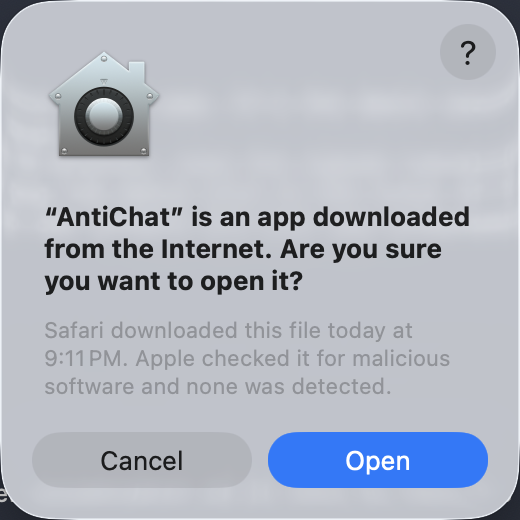
- Open AntiChat. macOS asks once about apps from the internet; click Open.
- Pick your packs. Chat is ready first; the rest downloads while you type.
Verify the download
Every release lists a SHA256SUMS file next to the DMG on the release page. In Terminal, in the folder with both files:
shasum -a 256 -c SHA256SUMS --ignore-missingYou should see AntiChat-<version>.dmg: OK. The app is signed with a Developer ID and notarised by Apple, so macOS checks it too.
Updates and removal
AntiChat checks for updates once a day, downloads them in the background and installs on restart. Your chats and models are never touched. See the changelog.
To remove everything, choose AntiChat › Uninstall AntiChat…, or follow the uninstall guide.
Trouble? Troubleshooting and FAQ.